Your sim's whole roleplay, on one HUD.
Black Box gives every player a character, a fight system, an inventory, quests and more, all on one HUD, with a website behind it to run everything. Each sim picks its own rules, look and features.
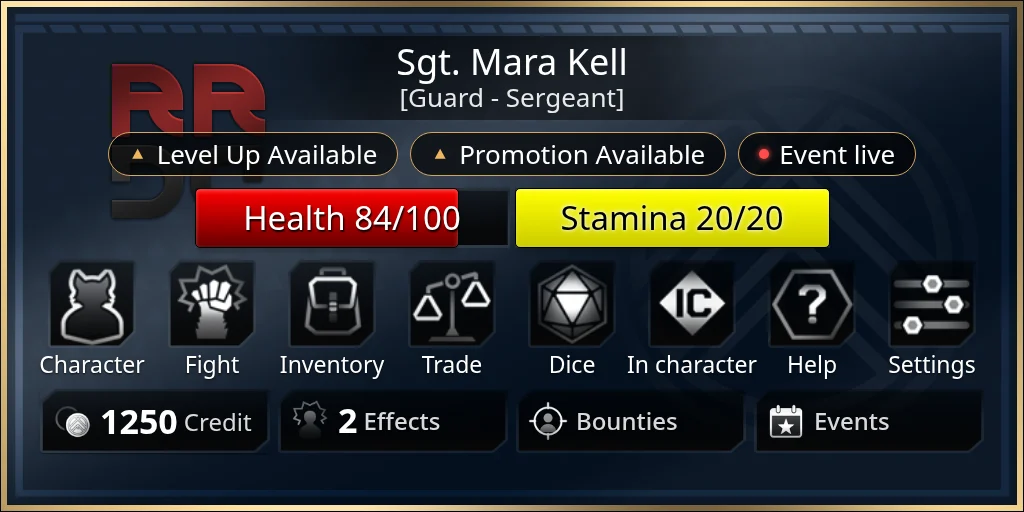
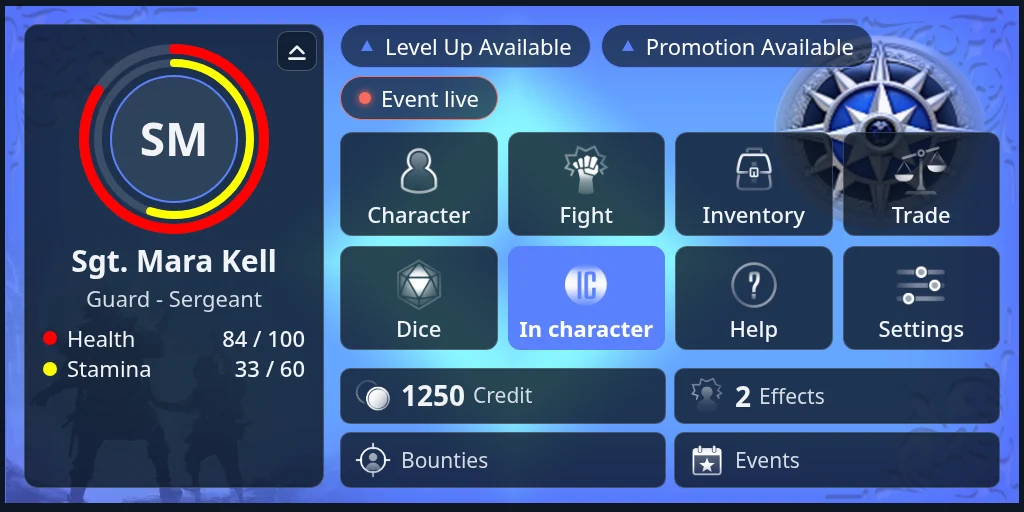
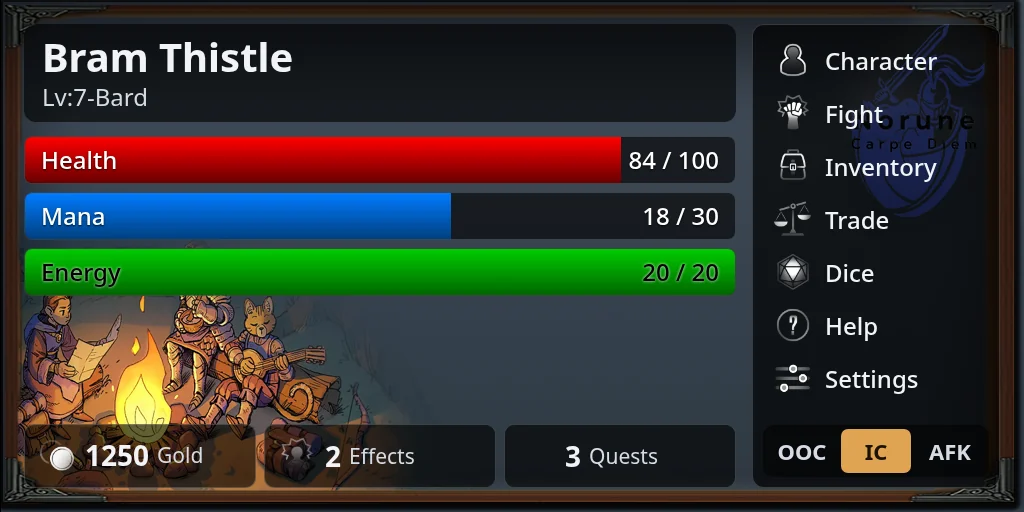
Everything a player needs, in one place
Characters
Make a character in a few short steps, keep several and switch between them. Level up and pick perks where your sim uses them.
Fights
Turn-based fights with a turn order, abilities and a log of what happened. Your sim chooses which optional rules are on.
Inventory
Everything you carry: what you wear, your gear and things you use. Equip, use, give or drop it from the HUD.
Crafting and trade
Craft at stations around the sim, buy and sell at vendors, pay other players and bid at the auction house.
Quests and NPCs
Characters who talk back, choices that can call for a skill roll, and a journal of what you've been asked to do.
Events and rewards
See what's on, check in when it starts, and earn experience for roleplaying.
Groups and ranks
Join a group, earn influence to rise through its ranks, and draw a stipend.
Titler
Your name, title and status over your head, and in character, out of character or away in one tap.
Turn-based fights, played your sim's way
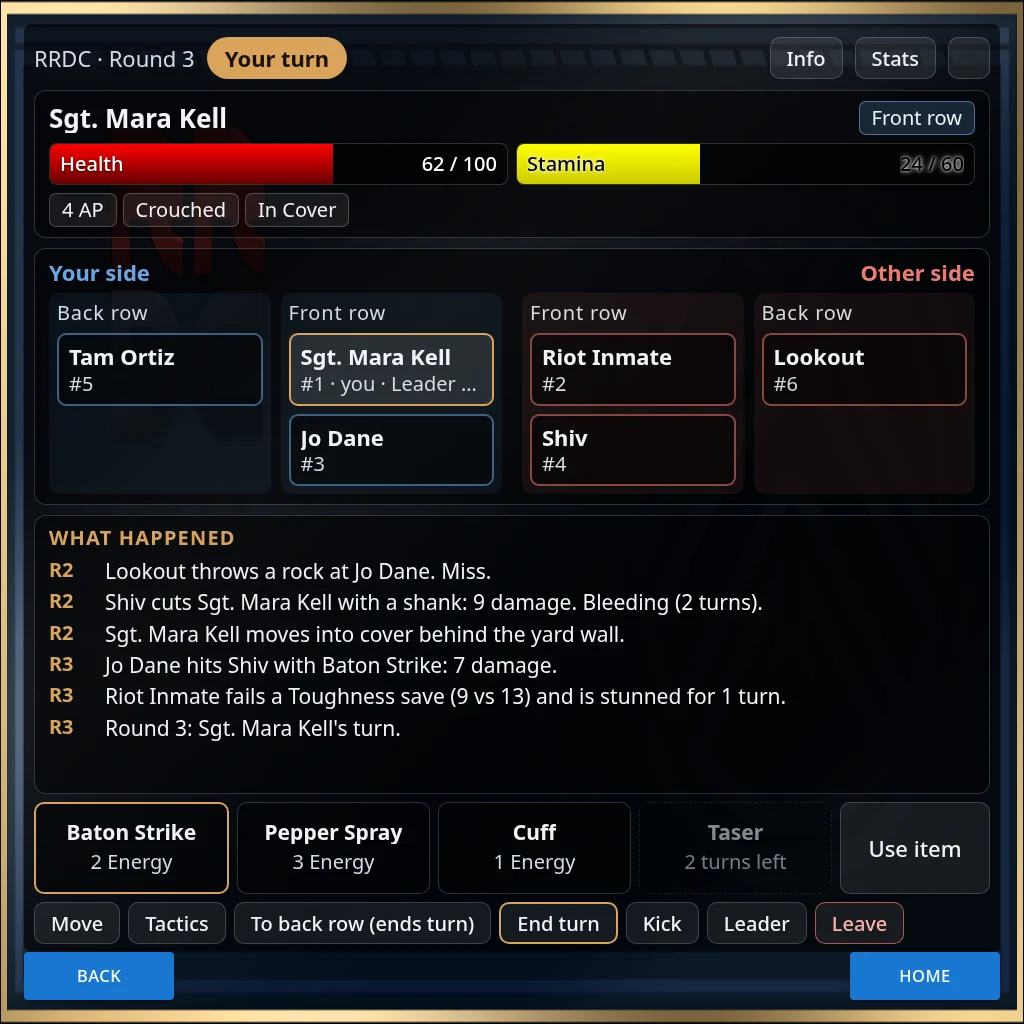
Invite the people you're fighting, and the leader starts it. The fight page shows whose turn it is, both sides in their rows and a running log, so nobody has to scroll back through chat.
- Abilities with energy, mana and cooldowns, aimed at one target or shared out between several
- Front and back rows, cover, stance and range, if your sim uses them
- Stealth, grapples, aiming and bracing under Tactics
- Wounds to treat afterwards, or sparring matches that leave none
- NPCs run by staff in the same fight
Make a character in a few short steps
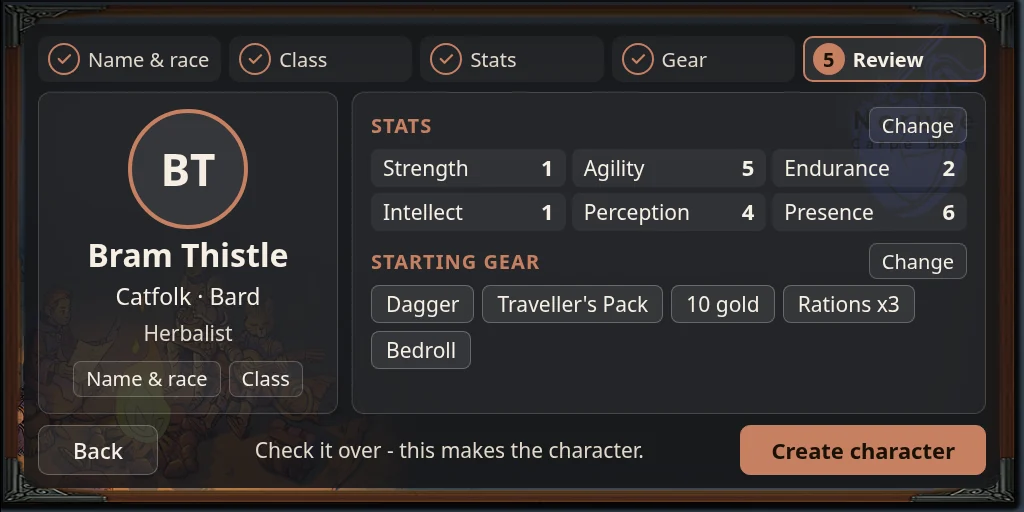
Pick a name and race, then a class, spend your stat points, choose your profession and starting gear, and check it over. Each step shows what your choices add, so there's no guessing at bonuses. Some sims have you make characters on their website instead.
Once you're playing, your character sheet keeps your stats, what you're wearing, your effects and your quests on one page.
How to make a character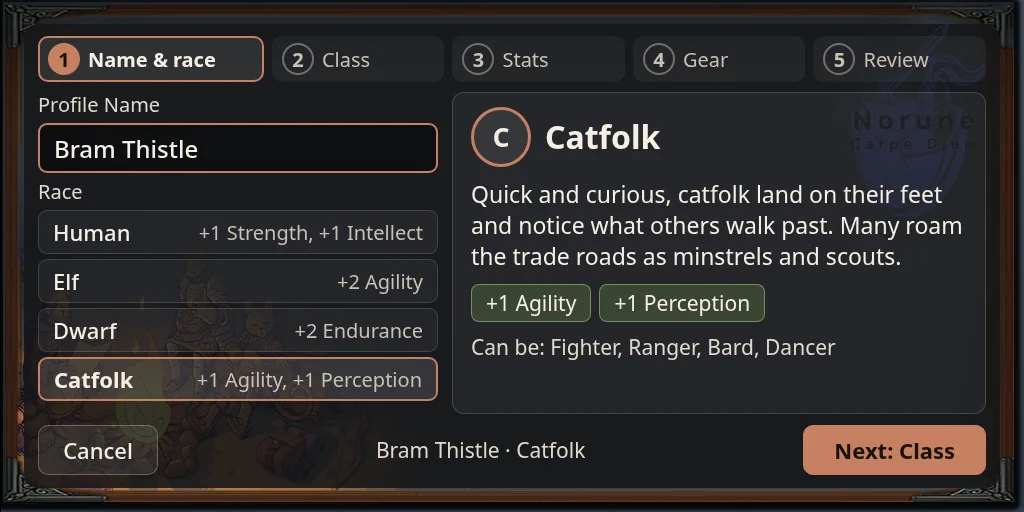
Made to look like your sim
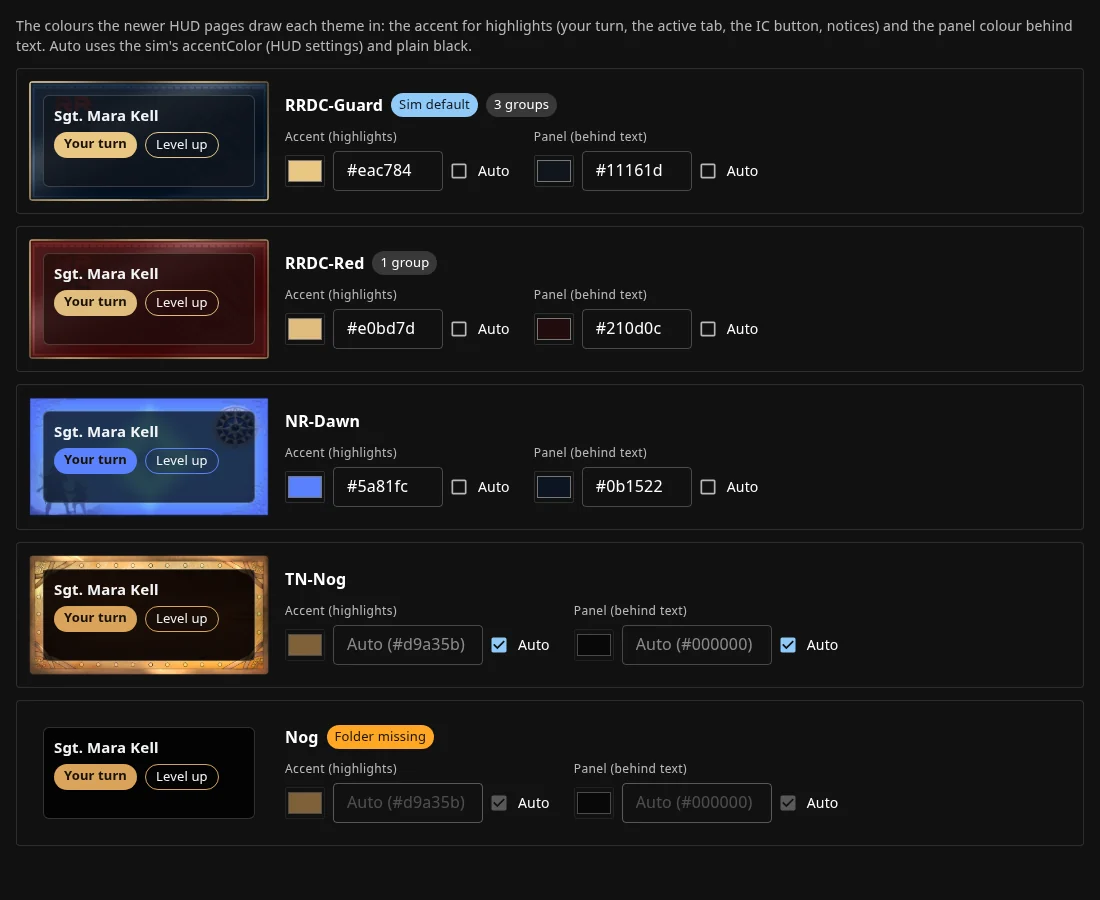
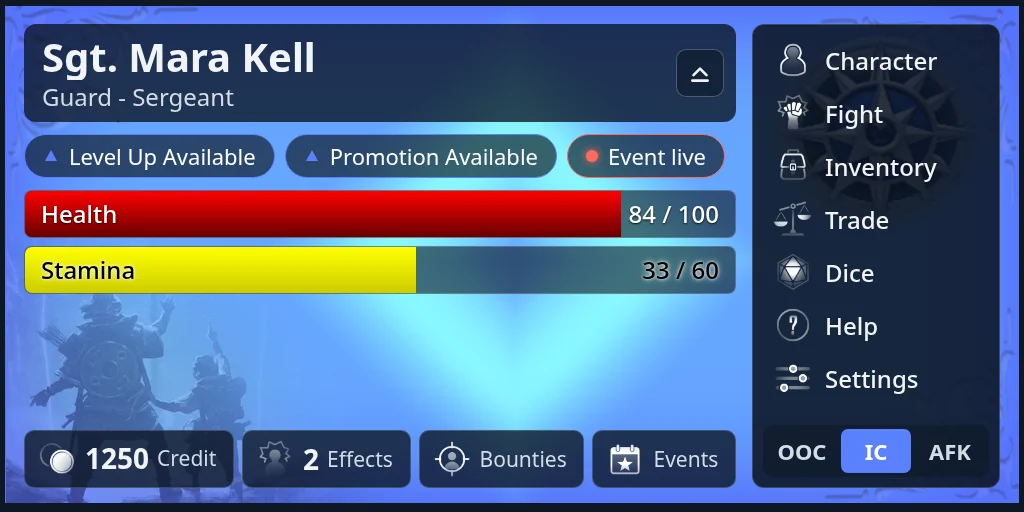
Every sim has its own theme, with its art, colours and icons, and a group can have one of its own. Players pick the Home layout they like, make the HUD bigger or smaller, or shrink it to a strip.
Start from a rule set, then make it yours
Each sim picks a rule set, and a group can have one of its own. Each rule set comes with more than two hundred optional rules, from cover and grapples to magic and wounds, switched on or off from the website.
- No dice
Freeform
Characters, items, quests and the rest, with no combat rules at all.
- d20
Norune
Fantasy rules: d20 plus your stats, with classes, races and levels.
- 3d6
New Frontiers
Science fiction: 3d6 plus a skill against the target's cover, with rows, stealth and drones.
- 3d6
Karhu
Medieval: 3d6 plus training against defense or ward, with magic, runes and songs.
- d10
Dice pools
Roll a handful of d10s and count the successes.
Run it all from the website
Every sim's website is the HUD's other half. Players see their characters, sheets and events there, and can even fight from it. Staff set the sim up there: its rules, items, quests, events and groups, and how the HUD looks.
- Pick a rule set and switch optional rules on or off
- Write quests and NPC conversations
- Set up items, vendors, crafting and starting gear
- Look after players: sheet approvals, respecs, ranks and rewards